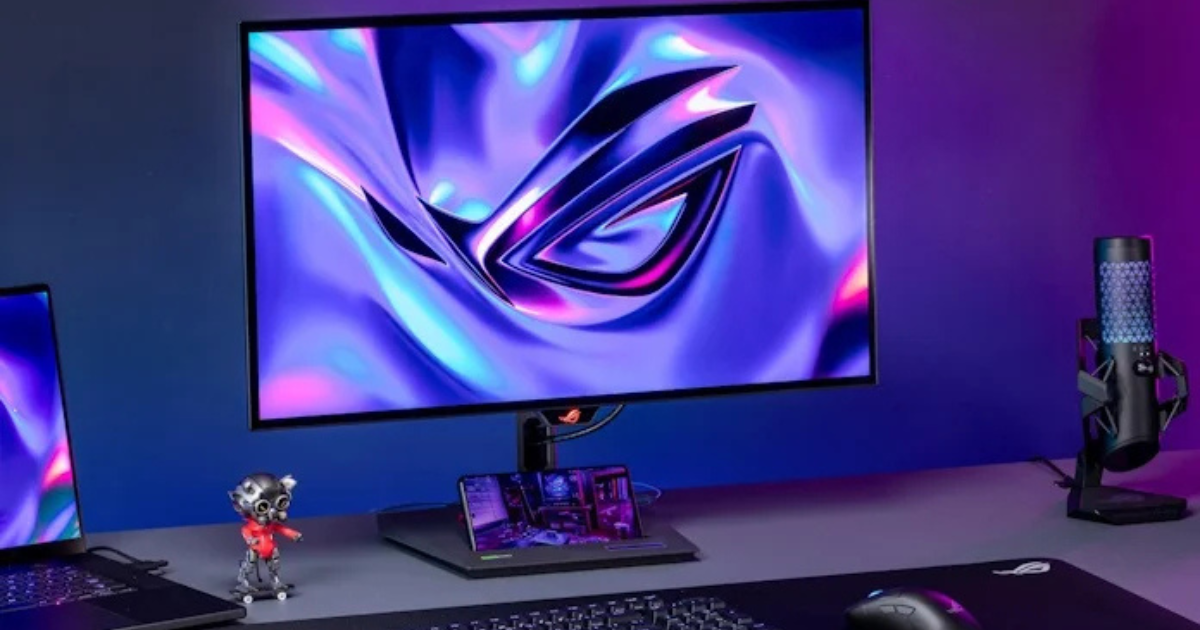
A gaming monitor is one of the most important parts of any gaming setup. Even if you have a powerful PC or console, a poor monitor can limit your gaming experience. Modern gaming monitors offer higher refresh rates, faster response times, and better image quality to provide smoother gameplay.
In this buying guide, we’ll explore the key factors you should consider before buying a gaming monitor so you can choose the right one for your setup.
1. Choose the Right Screen Size
Screen size plays a big role in gaming comfort and immersion. Most gamers prefer monitors between 24 and 27 inches, as they provide a good balance between screen space and viewing comfort.
-
24-inch monitors are ideal for competitive gamers and esports titles.
-
27-inch monitors offer a more immersive experience and work well with higher resolutions like 1440p.
-
32-inch or ultrawide monitors provide cinematic visuals but require more desk space.
Choosing the right size depends on your desk setup and how far you sit from the screen.
2. Resolution Matters for Image Quality
Resolution determines how sharp and detailed your games look. The higher the resolution, the clearer the visuals will be.
Common gaming monitor resolutions include:
-
1080p (Full HD): Best for budget gaming and esports titles.
-
1440p (Quad HD): Offers sharper visuals and is considered the sweet spot for many gamers.
-
4K (Ultra HD): Provides stunning detail but requires a powerful graphics card.
If you have a mid-range gaming PC, 1440p is often the best balance between performance and image quality.
3. Refresh Rate for Smooth Gameplay
Refresh rate refers to how many times the monitor updates the image each second. It is measured in Hertz (Hz). A higher refresh rate makes motion appear smoother and more responsive during gameplay.
Typical refresh rates include:
-
60Hz: Basic level, suitable for casual gaming
-
120Hz–144Hz: Ideal for most gamers
-
240Hz or higher: Designed for competitive esports players
Upgrading from 60Hz to 144Hz can dramatically improve smoothness, especially in fast-paced games like FPS shooters.
4. Response Time and Motion Clarity
Response time measures how quickly a pixel changes from one color to another. Lower response times reduce motion blur and ghosting effects in fast-moving scenes.
Most gaming monitors offer response times between 1ms and 5ms, which is ideal for smooth gameplay.
-
1ms response time: Best for competitive gaming
-
3–5ms response time: Still great for most gamers
Fast response times help ensure that images remain sharp during action-packed gameplay.
5. Panel Types Explained
Gaming monitors use different panel technologies, and each has its own strengths.
IPS Panels
IPS monitors are known for excellent color accuracy and wide viewing angles. They also tend to have fast response times, making them a popular choice for gamers.
VA Panels
VA monitors provide better contrast and deeper blacks, making them great for immersive single-player games.
TN Panels
TN monitors are usually the cheapest and offer fast response times, but they often have weaker colors and viewing angles.
For most gamers today, IPS panels provide the best balance of performance and visual quality.
6. Adaptive Sync Technology
Modern gaming monitors often include Adaptive Sync technologies such as AMD FreeSync or NVIDIA G-Sync. These technologies synchronize the monitor’s refresh rate with the graphics card to prevent screen tearing and stuttering.
Adaptive Sync ensures smoother gameplay, especially in fast-paced games where frame rates fluctuate frequently.
7. Extra Features to Consider
Some additional features can enhance your gaming experience:
-
HDR support for better brightness and color range
-
Curved screens for more immersive gameplay
-
Multiple HDMI/DisplayPort inputs for connecting consoles and PCs
-
Built-in speakers or USB hubs
While these features are not essential, they can add convenience and improve overall usability.
Conclusion
Choosing the right gaming monitor requires balancing performance, resolution, and budget. Key factors like refresh rate, response time, panel type, and screen size all play an important role in gaming performance.
For most gamers, a 24–27 inch monitor with 144Hz refresh rate, 1ms response time, and a 1440p resolution offers the best overall experience. By understanding these features, you can select a monitor that delivers smooth gameplay and stunning visuals for years to come.